6 Useful Framer Integrations for Modern Websites

Most Framer sites get bogged down by heavy video background loops, external scripts, and unoptimized embeds. Stacking widgets randomly destroys page load speeds and breaks Core Web Vitals scores.
The goal is to add visual depth, micro interactions, and texture without ruining performance. Here are six clean integrations that add real value to modern web projects.
1. Phosphor Icons: Clean Vector Iconography

Uploading random SVGs or unorganized PNGs clutter your canvas and mess up layer hierarchies.
Phosphor provides a clean vector icon system directly inside Framer. You control stroke weight, color variables, and sizing globally across your entire layout. It keeps your project clean and maintains visual consistency across every mobile and desktop breakpoint.
2. Rive: State Machine Animations
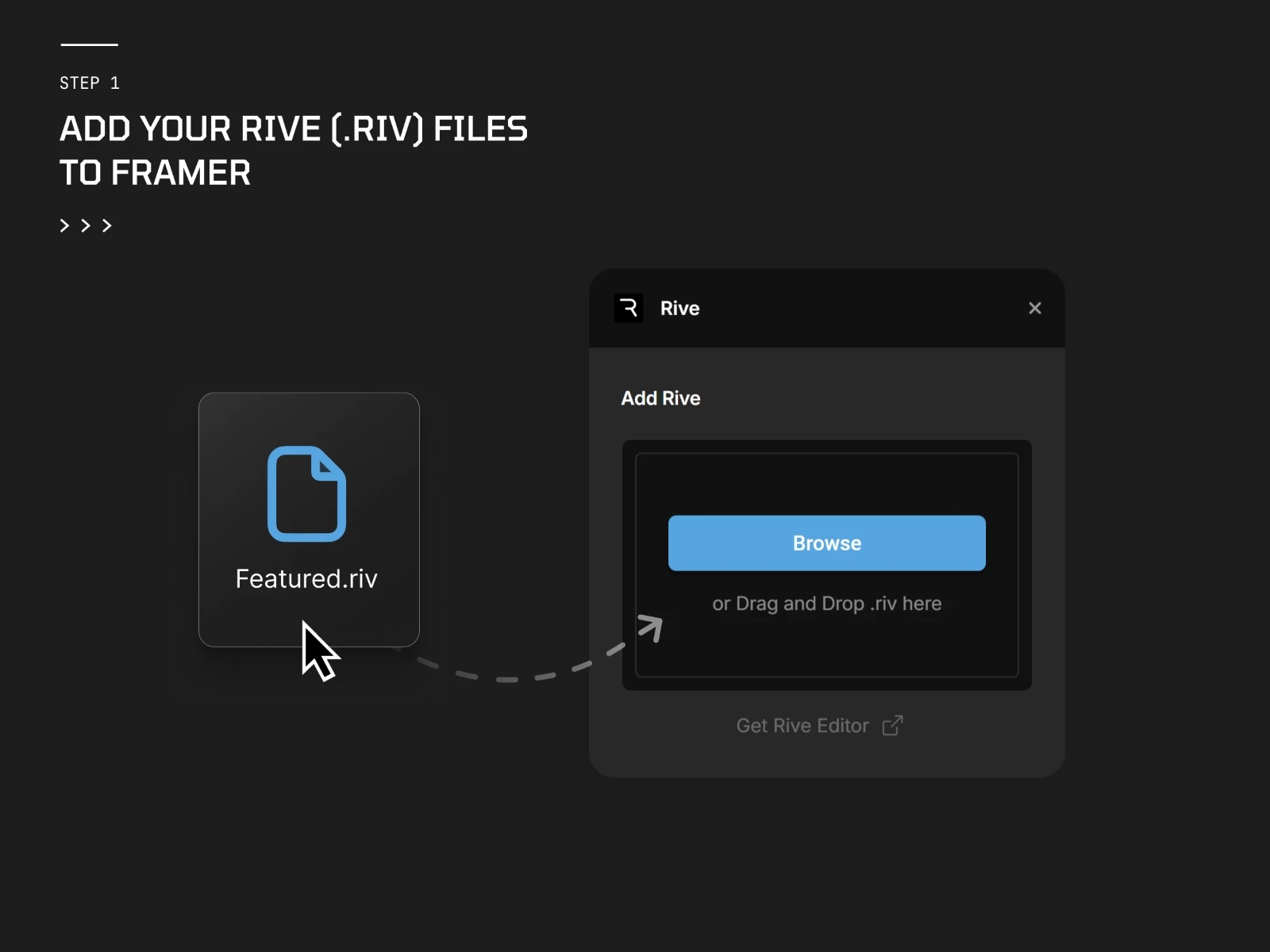
Large video files and heavy animated GIFs ruin page load speeds on mobile devices.
Rive runs lightweight vector animations powered by state machines. Instead of playing a static loop, these animations react dynamically to cursor movement, hover triggers, and scroll positions while running smoothly at 60fps.
3. LottieFiles: Lightweight Micro Interactions
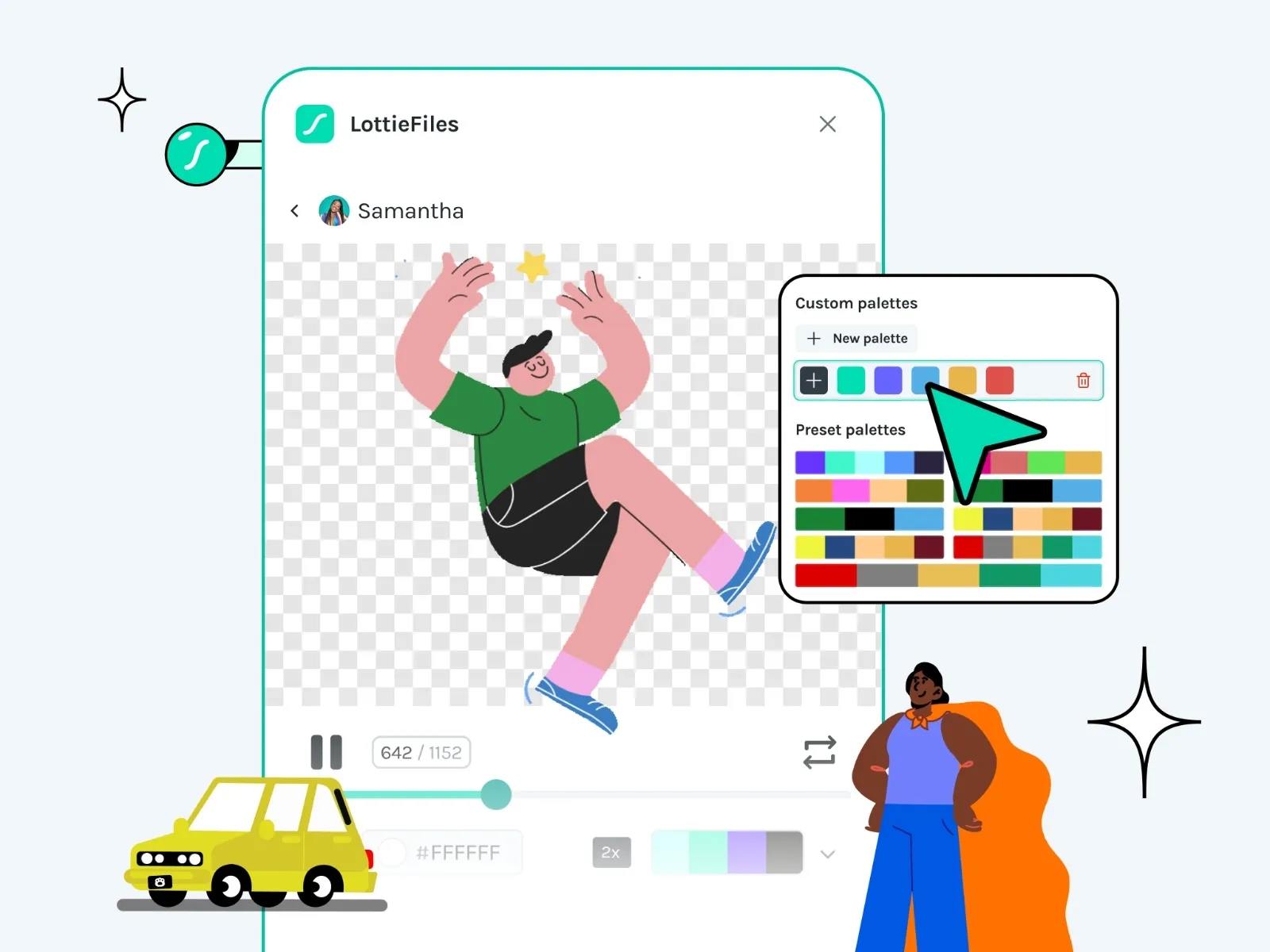
Static pages feel flat, but writing custom animation code takes too much time.
LottieFiles lets you embed JSON vector animations with tiny file sizes. It works best for subtle hero accents, feature highlights, and UI button states without adding heavy assets to your canvas.
4. Dither: Canvas Image Texture
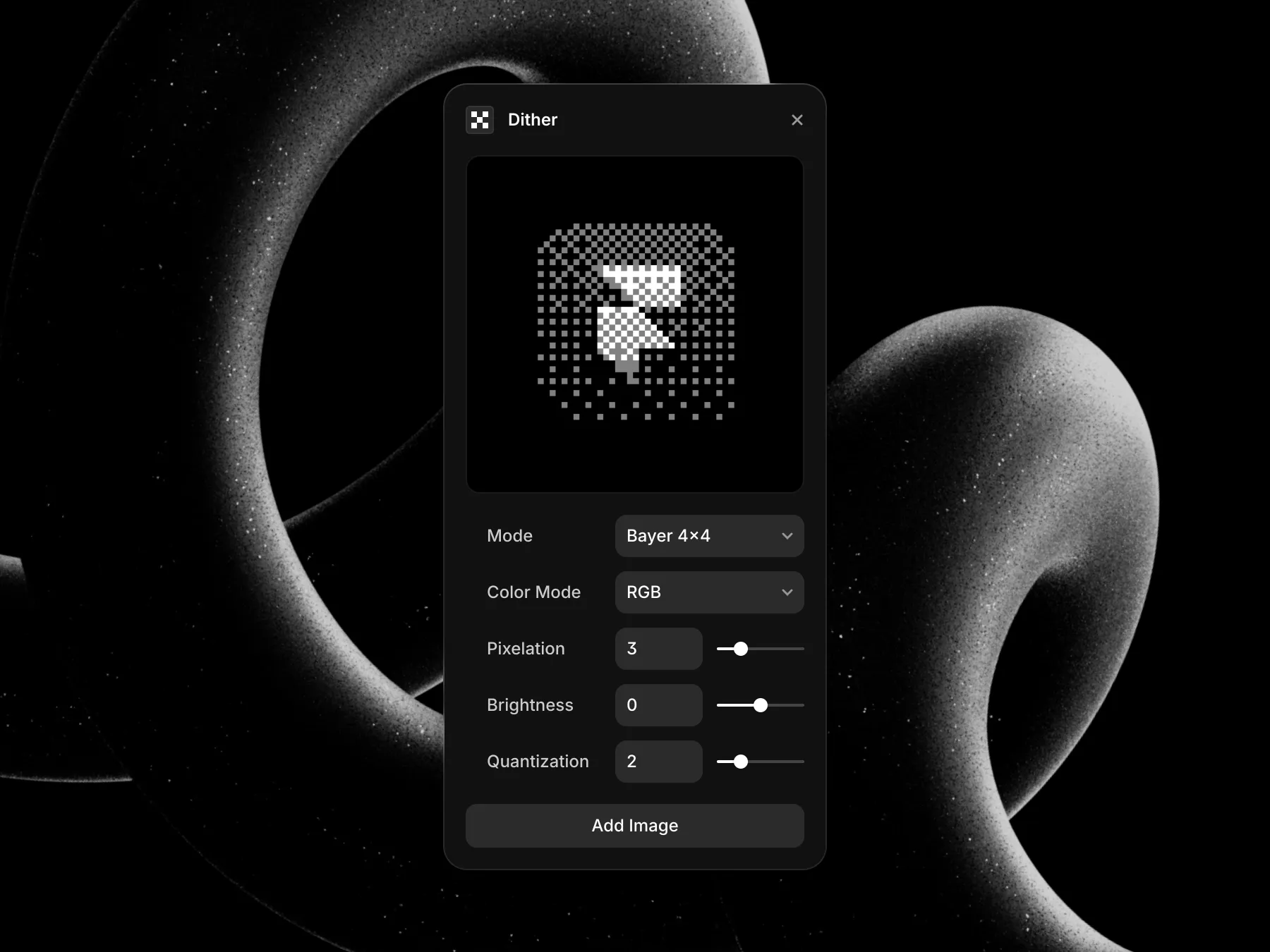
Standard stock photos often feel generic, sterile, and unpolished.
Dither applies live pixel dithering and grain effects directly to your image containers in Framer. It gives key imagery and hero cards a distinct, high end technical feel without needing external edits in Photoshop.
5. Doodles: Human Vector Accents
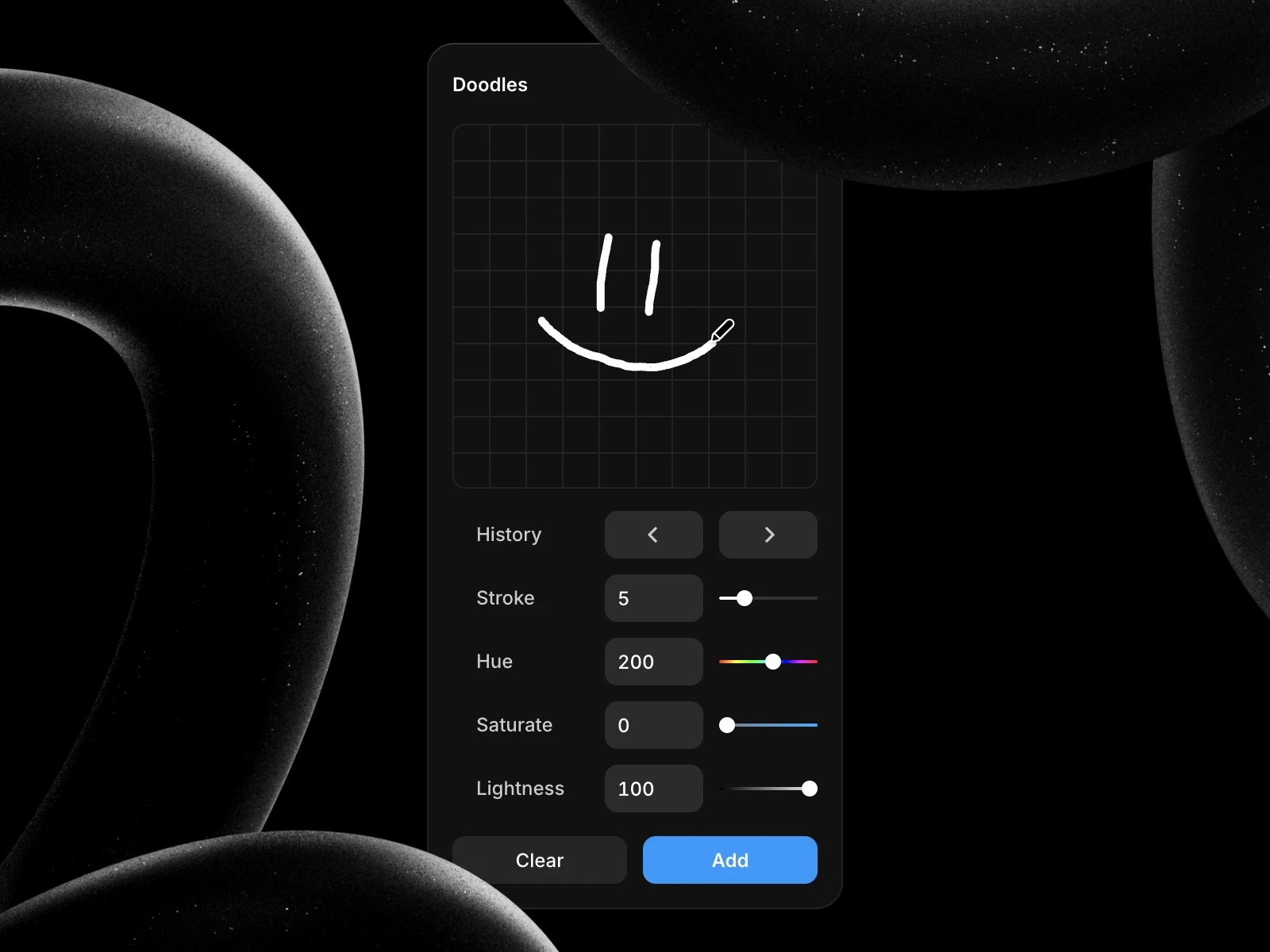
Clean B2B layouts can sometimes feel overly corporate or cold.
Doodles lets you drop custom vector line art directly around text and container frames. It draws immediate focus to key callouts, conversion points, or pricing cards with subtle visual character.
6. ASCII: Terminal Shader Effects
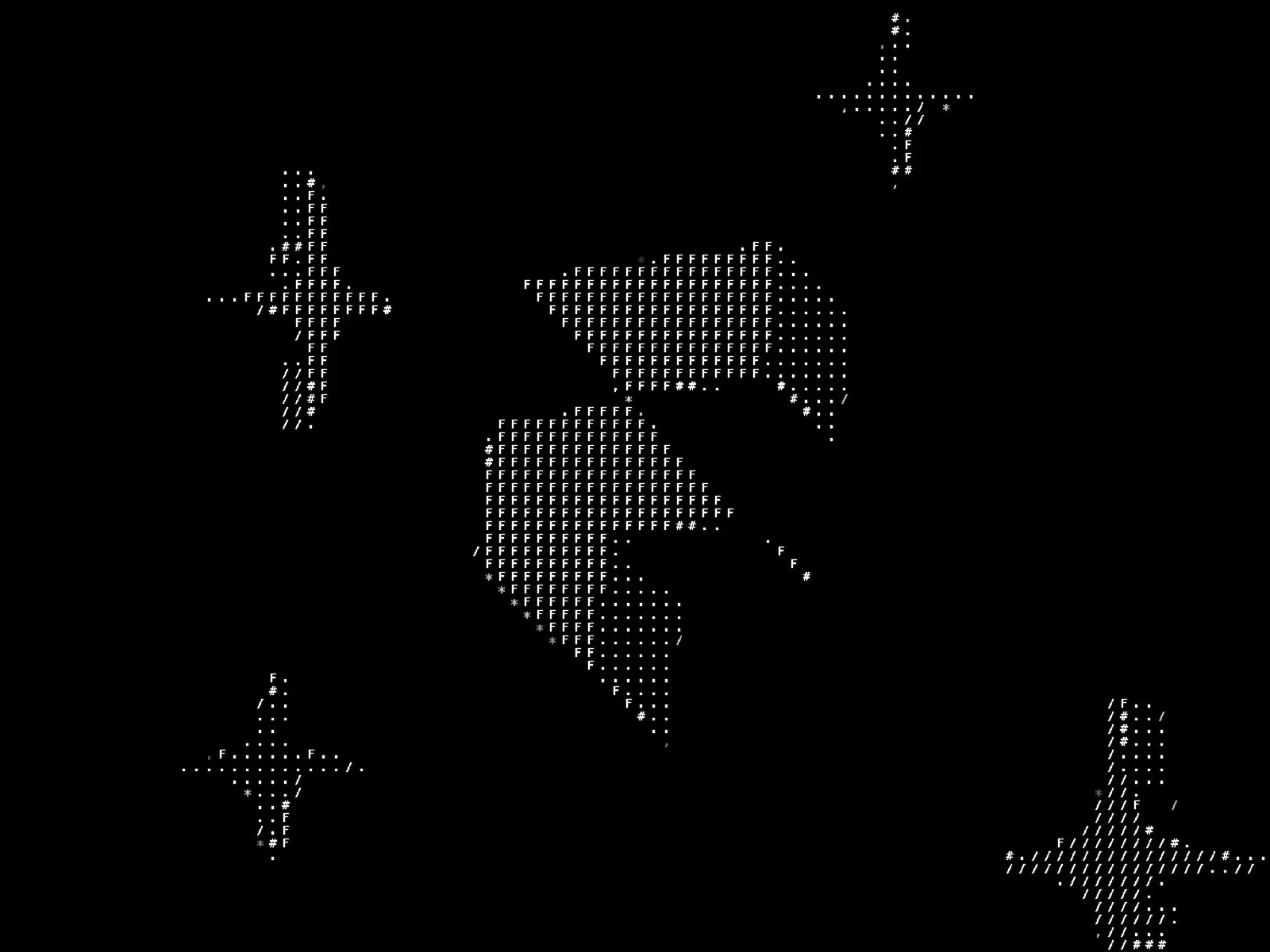
For developer tools, crypto projects, or technical agencies, standard visual graphics rarely fit the brand.
ASCII renders images and vectors into live text art inside your containers. It creates an instant terminal aesthetic designed specifically for technical audiences.
Integration Overview
Integration | Primary Purpose | Asset Type | Performance Impact |
Phosphor | Global UI Iconography | Vector SVG | Negligible |
Rive | Interactive Motion | State Machine Vector | Ultra Low |
LottieFiles | UI Micro Interactions | JSON Vector | Low |
Dither | Image Texture Effects | Canvas Shader | Low |
Doodles | Headline Accent Callouts | Vector Graphic | Negligible |
ASCII | Technical Shader Effects | WebGL Text Shader | Low |
Technical Summary: Great web builds focus on efficiency, choosing clean tools that add functional interaction while keeping site performance fast.
Built for Speed and Scale
Skip messy canvas setups and bloated components. Explore production ready, light enterprise Framer templates engineered for performance on the Pacts Studio Store, or check out my custom builds on my Framer Creator Profile.